 Training and Onboarding
Learn how to efficiently manage your equipment data by performing bulk updates on your assets. This guide walks you through the search process and mass action tools needed to modify properties for multiple items simultaneously.
1. Navigate to https://app.tessalink.com/#/home

2. Click Search icon in sidebar

Asset Search Configuration
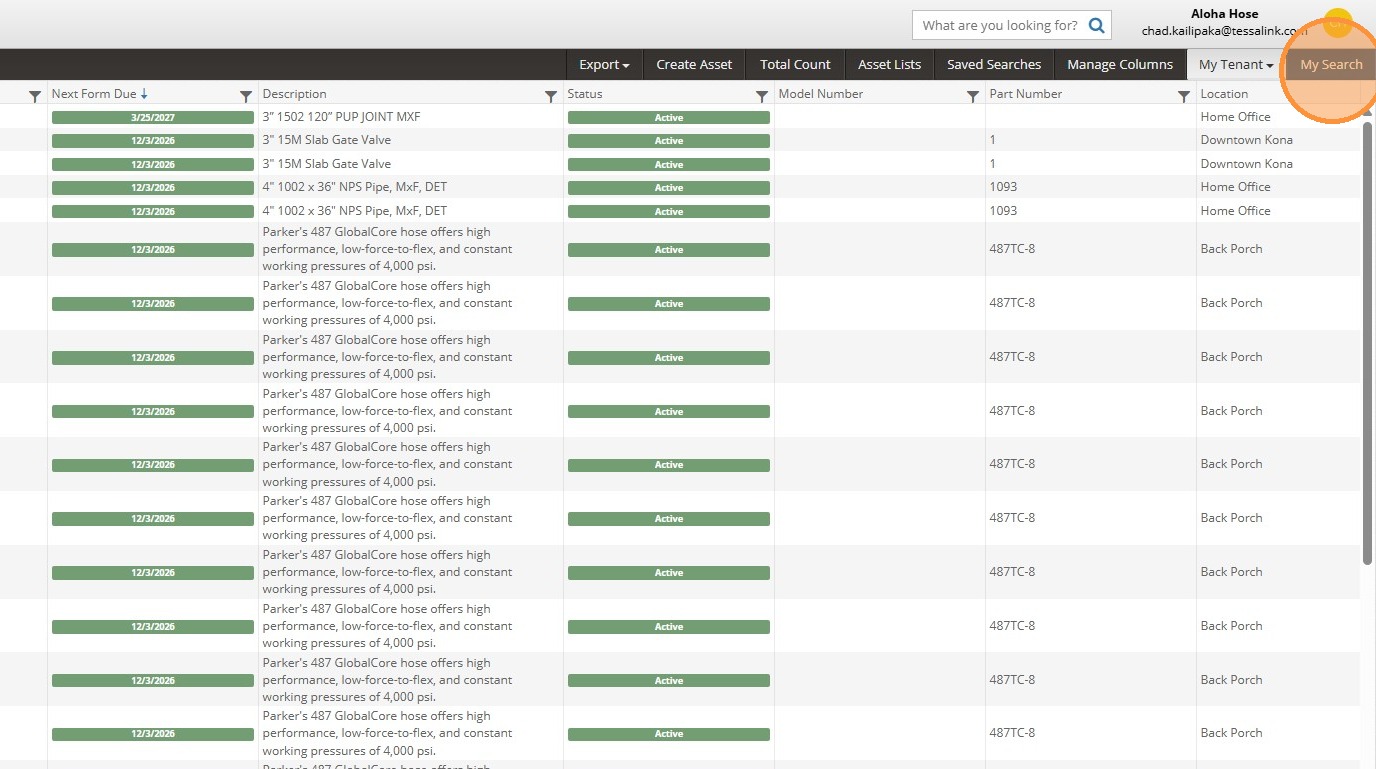
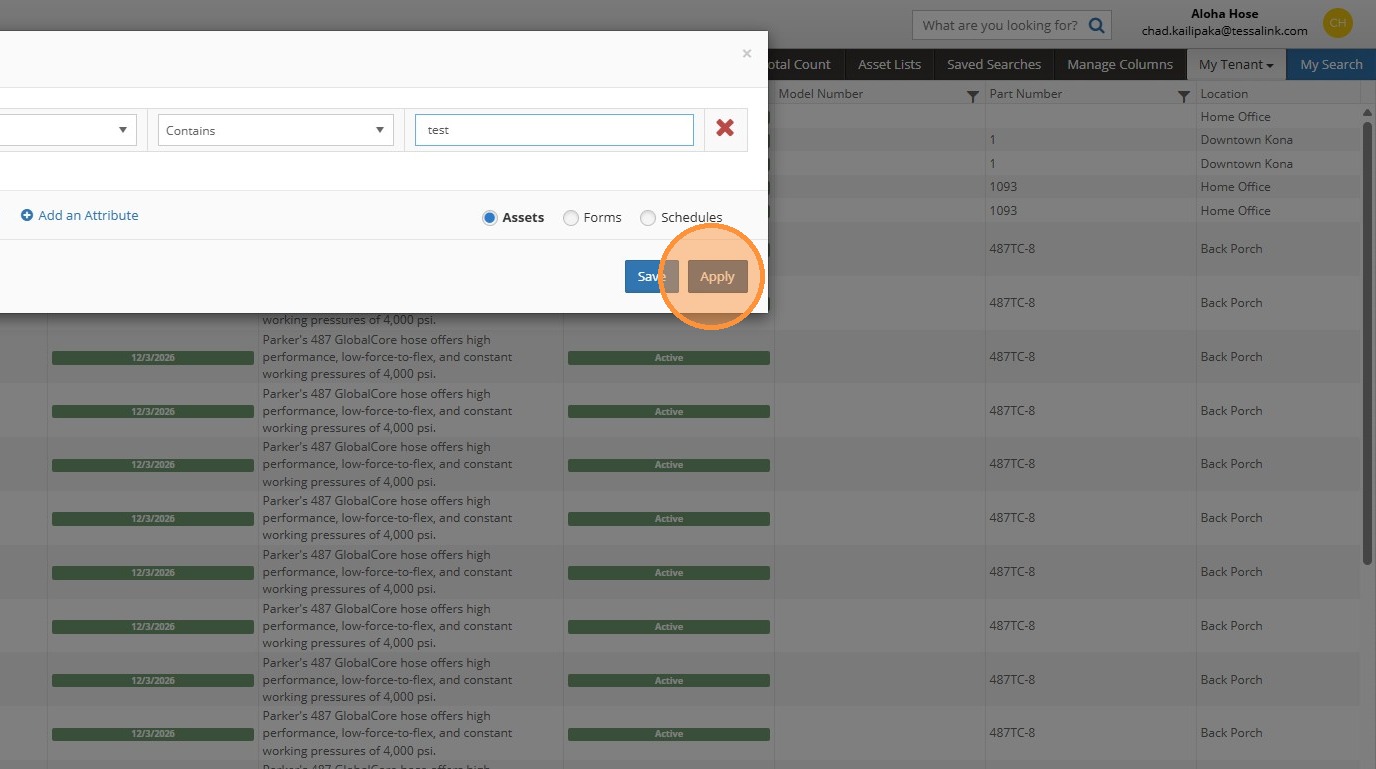
3. Click "My Search"

4. Select 'Asset Number' from property dropdown

5. Select 'Contains' from operator dropdown
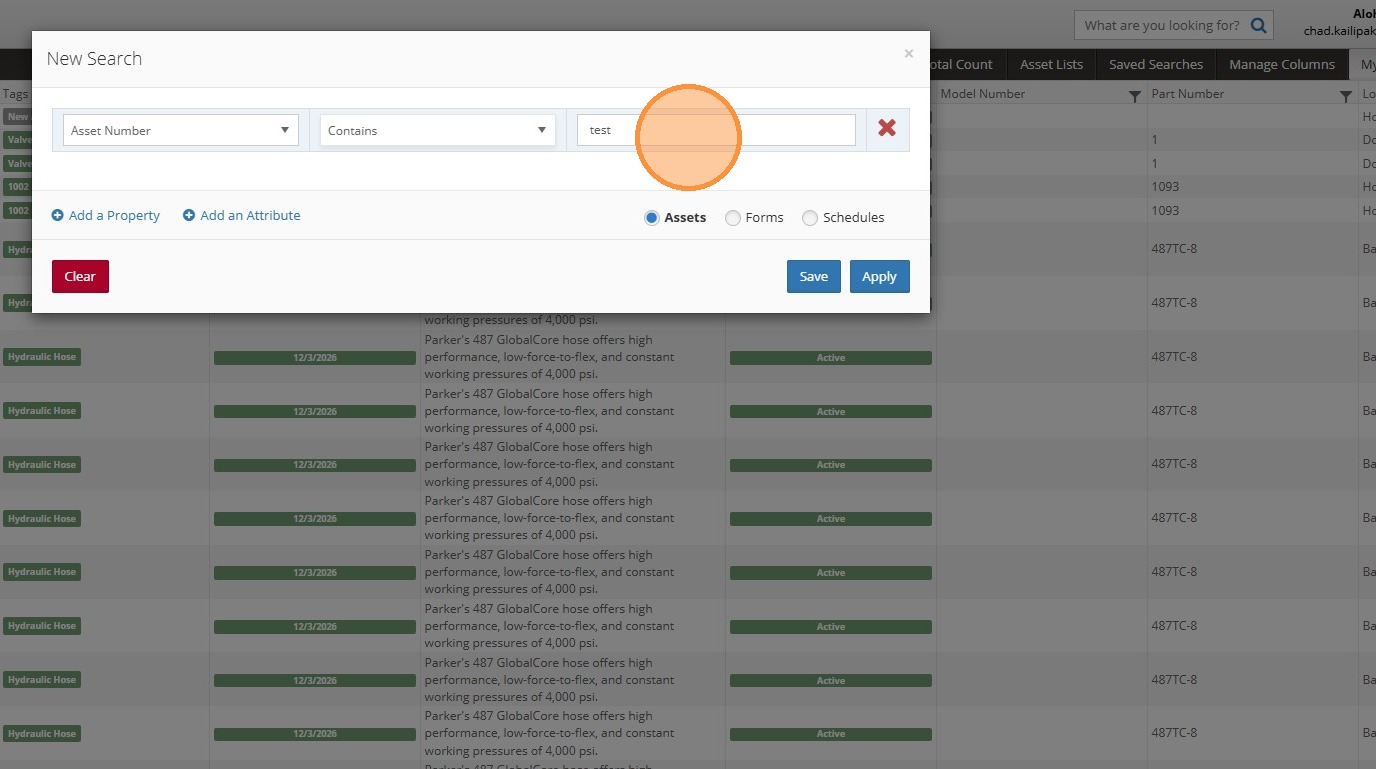
6. Click 'Value' input field
7. Click "Apply"
Mass Action Selection
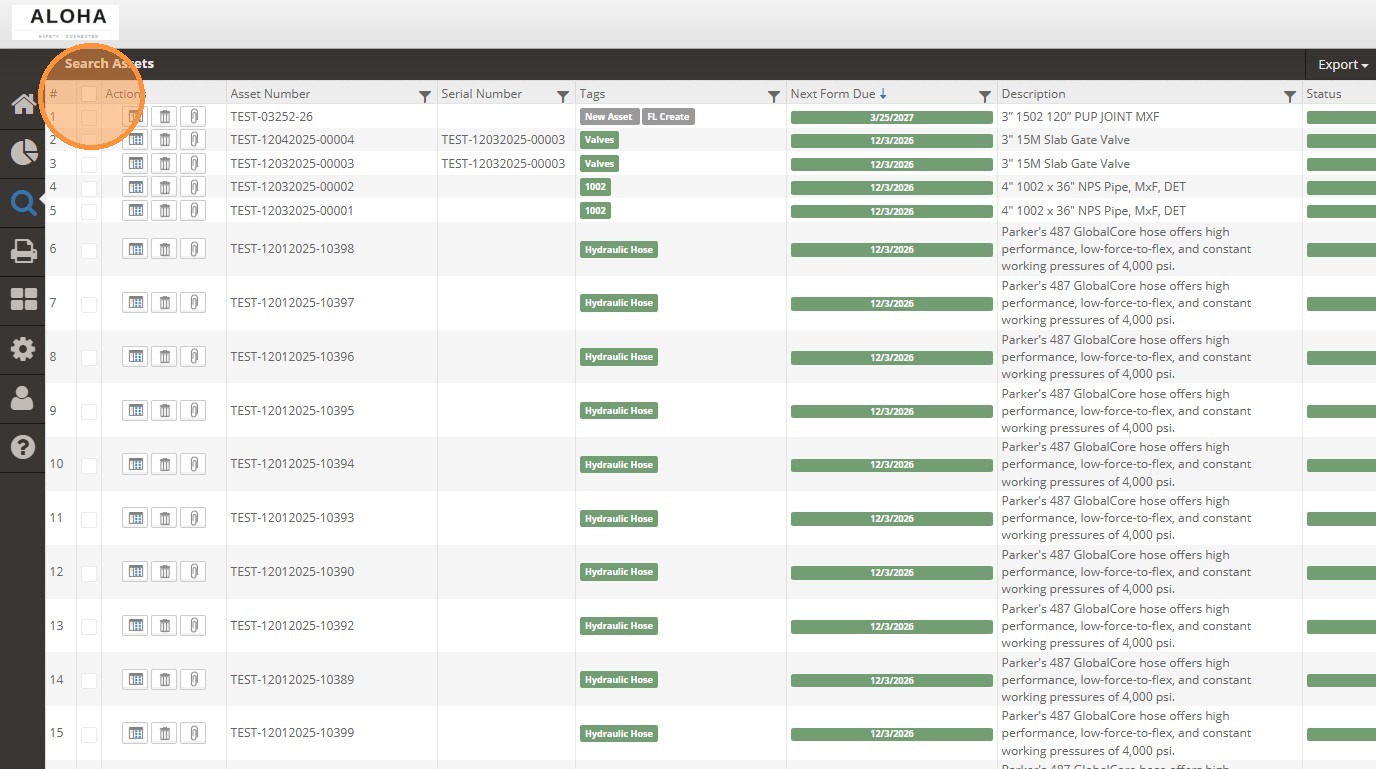
8. Select assets by clicking the header checkbox

9. Choose 'Edit Asset Properties' from Mass Actions menu
Comments